This post contains affiliate links. If you make a purchase through these links, I may earn a small commission at no extra cost to you.
Stop Wasting Money on Bad Printers: A Deep Dive into the HP OfficeJet Pro 8125e
If you are a remote worker, small business owner, or a busy household manager, you already know the frustration of a subpar printer. From paper jams right before a meeting to running out of ink when you need it most, the wrong equipment can derail your productivity.
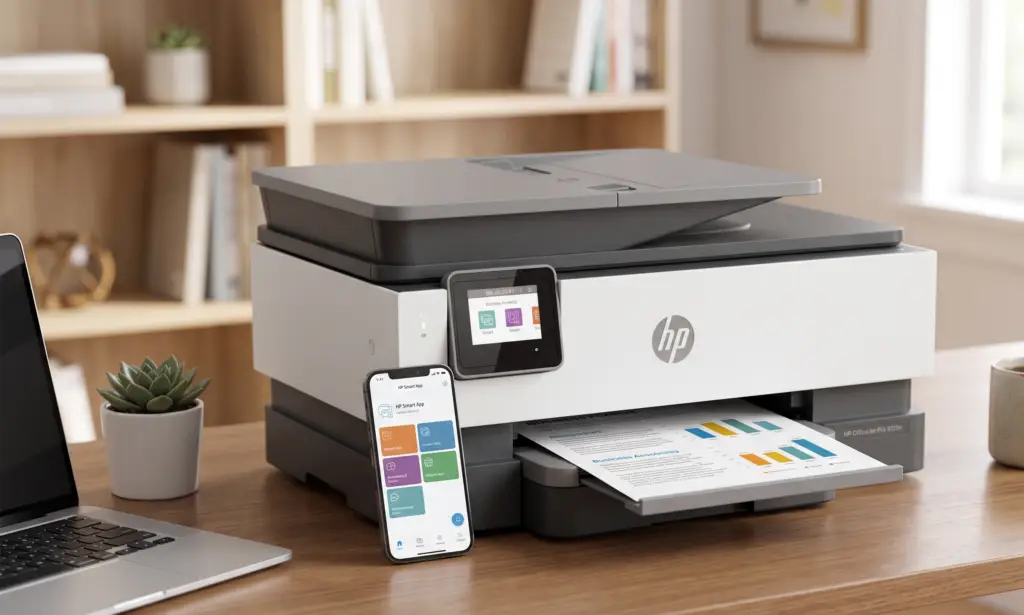
Today, we are taking a deep dive into the HP OfficeJet Pro 8125e Wireless All-in-One Printer. In this guide, we’ll break down how this printer handles daily demands, how its smart features save you money, and whether it’s the right fit for your workspace.

How to Choose the Right Home Office Printer (And Why the 8125e Stands Out)
When evaluating a printer for a home office, you need to look beyond just the price tag. You need a device that balances speed, cost-efficiency, and seamless connectivity. Here is how the HP OfficeJet Pro 8125e measures up across those critical categories.
1. Speed That Matches Your Hustle
Nobody wants to wait around for a 20-page contract to print. The OfficeJet Pro 8125e boasts impressive speeds for an inkjet:
- Black & White: Up to 20 pages per minute (ppm).
- Color: Up to 10 ppm.
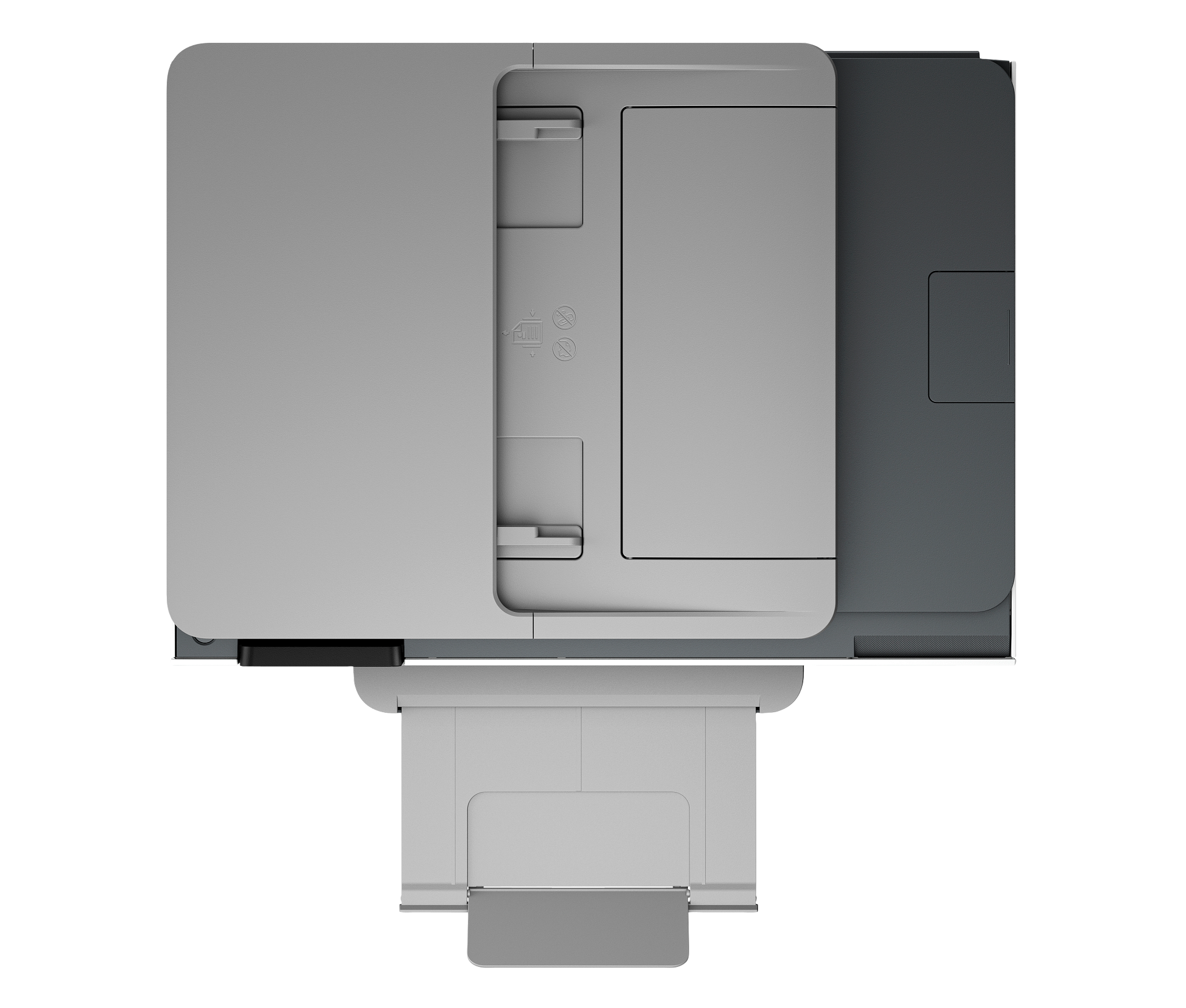
Combined with a 225-sheet input tray and a 35-sheet automatic document feeder (ADF), you can load your paper, hit print, and walk away. It also features automatic dual-sided (duplex) printing, instantly cutting your paper usage in half without any manual flipping.
2. How to Never Run Out of Ink Again (The HP+ Advantage)
One of the standout features of this model is its integration with HP+. When you set up the printer, you get 3 months of free Instant Ink.
How it works: The printer automatically detects when it is running low on ink and triggers a shipment directly to your door before you run out. After the trial, plans start at just a few dollars a month, which can save you up to 50% on ink costs annually compared to buying traditional cartridges.
3. AI-Enabled Formatting & Smart App Control
Have you ever tried to print a recipe or an email, only to get five pages of weirdly cropped ads and one sentence of text? The 8125e utilizes HP AI formatting to automatically remove unwanted content and format web pages so they print perfectly on the first try.
Plus, the HP Smart App essentially turns your smartphone into a remote control. You can scan documents with your phone’s camera, check ink levels, and print from the couch.
A Nod to Sustainability
If eco-conscious tech is important to you, HP has made significant strides here. The OfficeJet Pro 8125e is built with 45% post-consumer recycled plastic. Furthermore, through the HP Planet Partners program, you can recycle your empty Original HP ink cartridges for free, minimizing your environmental footprint.
Pros and Cons
- Pros: Fast 20 ppm printing, reliable dual-band Wi-Fi, auto 2-sided printing, 3 months of free Instant Ink, made from 45% recycled plastic.
- Cons: Requires an ongoing internet connection and an HP account to utilize HP+ features. Only compatible with Original HP ink cartridges.
The Final Verdict
The HP OfficeJet Pro 8125e is a powerhouse designed specifically for the modern home office. It bridges the gap between bulky, expensive office printers and flimsy home models. If you print regularly and want to eliminate the headache of buying ink and dealing with dropped Wi-Fi connections, this printer is a fantastic investment.
Ready to upgrade your home office setup?
Check the current price and grab the HP OfficeJet Pro 8125e on Amazon here!