Single Chargers vs. Multiport Hubs: Why a 6-Port Charging Station is a Game Changer
Comparison Guide: Ditch the Desk Clutter – Single Chargers vs. The Ultimate 6-Port Charging Station
As our daily tech ecosystem grows—smartphones, tablets, wireless earbuds, smartwatches, and laptops—so does the chaotic tangle of cords on our desks. If you live in the US, chances are you own an average of four to five smart devices. If you’re still playing “musical chairs” with your wall outlets, it’s time to rethink how you power your gear.
In this guide, we dive deep into why upgrading to a dedicated 6-Port Multiport Charging Hub is one of the best productivity and organization hacks for your workspace, and how it directly compares to the traditional single-brick lifestyle.
The Multi-Device Dilemma
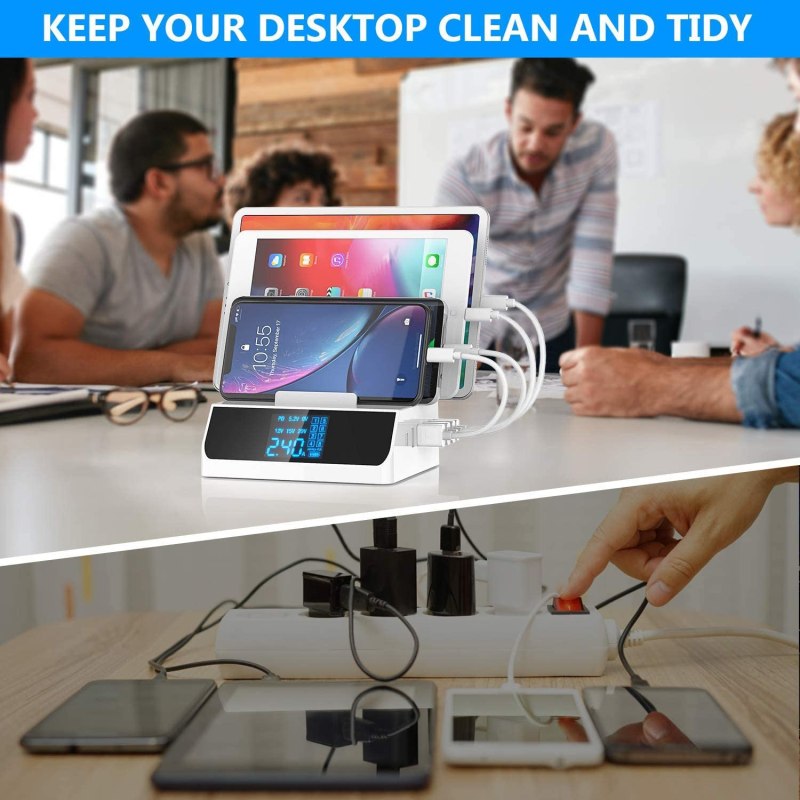
Most of us rely on individual power bricks that came in the box (if you’re lucky enough to still get one). Relying on these single chargers means you’re either constantly swapping cables, hunting for empty wall sockets behind the couch, or dealing with power strips that look like a rat’s nest.
When you travel, packing three or four different charging blocks takes up valuable suitcase space and adds unnecessary weight.
Deep-Dive Review: Why This 6-Port Charger is a Game Changer
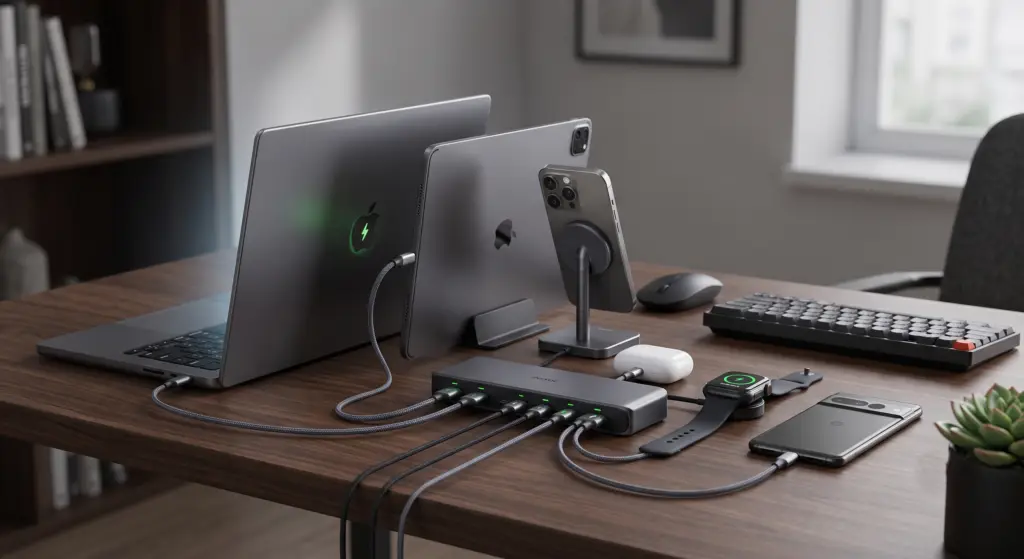
We recently got our hands on one of the most versatile 6-Port Charging Stations on Amazon, and it solves almost every power problem modern tech users face.
- Universal Compatibility: Whether you need to fast-charge a Samsung Galaxy S23, juice up an iPad Pro, or keep a MacBook breathing during a heavy workday, this hub handles mixed ecosystems effortlessly.
- Intelligent Power Allocation: Premium multi-ports feature smart chips that detect the optimal charging speed for each connected device. This means your earbuds get a safe trickle charge, while your laptop gets the full high-speed wattage—preventing overheating and battery degradation.
- Space Optimization: It consolidates up to six bulky wall warts into one sleek desktop unit, requiring only a single wall outlet.
Head-to-Head Comparison: Single Bricks vs. 6-Port Hub
| Feature | Traditional Single Chargers | 6-Port Multiport Hub |
|---|---|---|
| Wall Outlets Needed | Up to 6 separate sockets | Just 1 socket |
| Cable Management | Messy, prone to tangles | Centralized & neat |
| Travel Portability | Bulky; requires a dedicated tech pouch | Compact; toss it in your bag |
| Power Efficiency | Static output per brick | Dynamic smart-charging |

How-To: Optimize Your Desktop Charging Setup
Ready to upgrade? Here is how to set up your new station for maximum efficiency:
- Strategic Placement: Place the hub at the back corner of your desk or nightstand. Use double-sided tape or command strips if you want to mount it out of sight under your desk.
- Invest in Short Cables: Ditch the 6-foot cords. Pair your station with 1-foot or 3-foot braided cables to completely eliminate wire slack on your desk.
- Group by Priority: Plug your highest-drain devices (like your MacBook or iPad) into the dedicated high-wattage USB-C PD ports, leaving the standard USB-A ports for accessories like your smartwatch and AirPods.
Final Verdict
If you are tired of outlet anxiety and desk clutter, upgrading your charging infrastructure is a massive quality-of-life improvement. By spending a little upfront on a reliable, multi-device station, you protect your expensive electronics with smart power delivery and reclaim your workspace.