This post contains affiliate links. If you make a purchase through these links, I may earn a small commission at no extra cost to you.
Whether you’re navigating a noisy morning commute, enduring a cross-country flight, or just trying to block out the distractions of a busy coffee shop, your choice of wireless earbuds dictates your daily peace. For years, the market has been fiercely divided, but the newly redesigned Samsung Galaxy Buds 3 Pro have officially disrupted the status quo.
In this deep-dive review, we’ll explore whether Samsung’s radical new design and AI-powered features are worth your investment, how they stack up against the reigning champions, and how to optimize them for the ultimate audio experience.
The Deep Dive: What Makes the Buds 3 Pro Different?
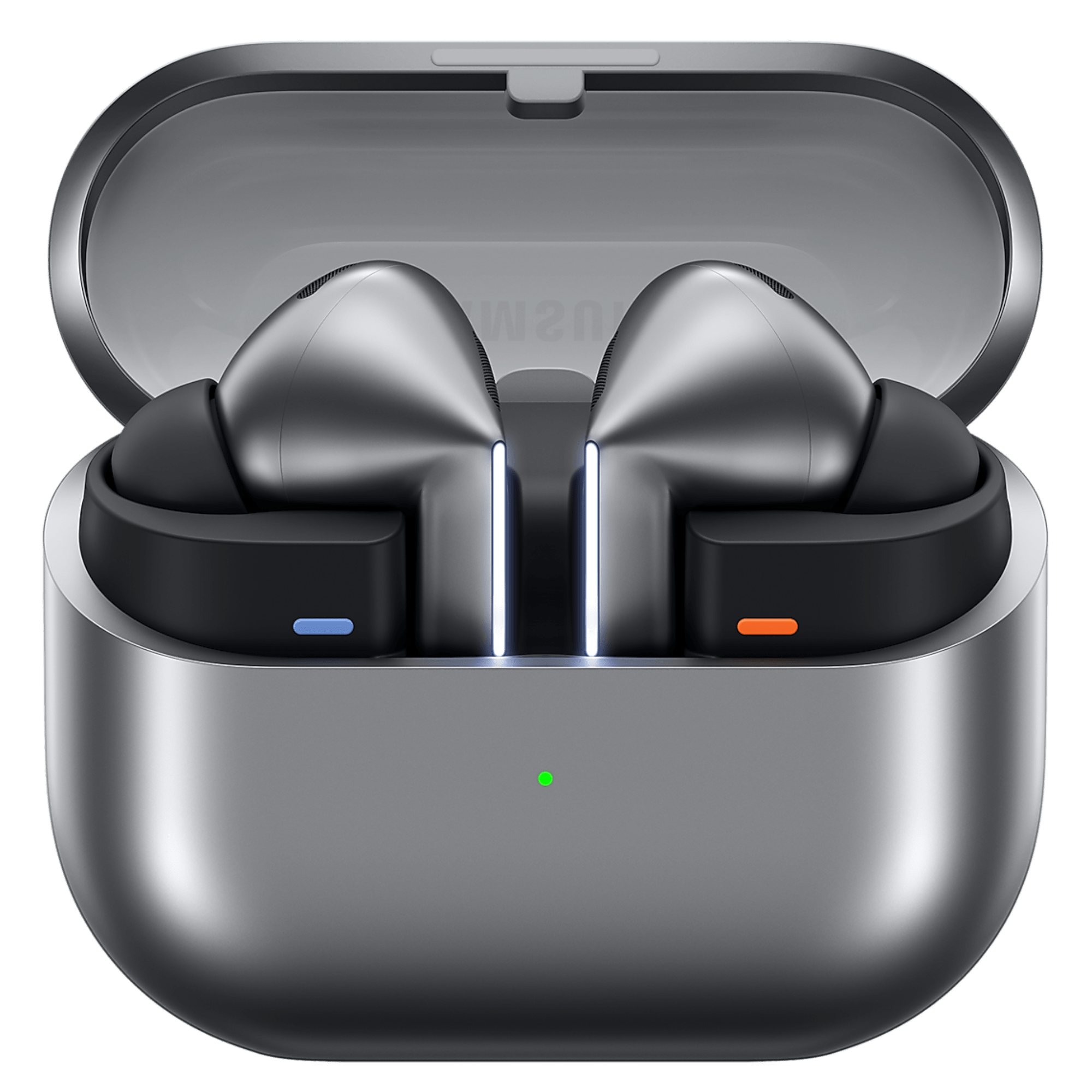
Samsung completely scrapped their old “bean” and “button” designs in favor of a much more functional, stemmed approach. But the changes aren’t just cosmetic; they are deeply technological.
- Adaptive Active Noise Cancelling (ANC): Using an advanced algorithm, the ANC automatically adjusts based on your surroundings. If a siren goes off or someone starts talking to you, the earbuds intelligently let the crucial sounds in while keeping engine drone out.
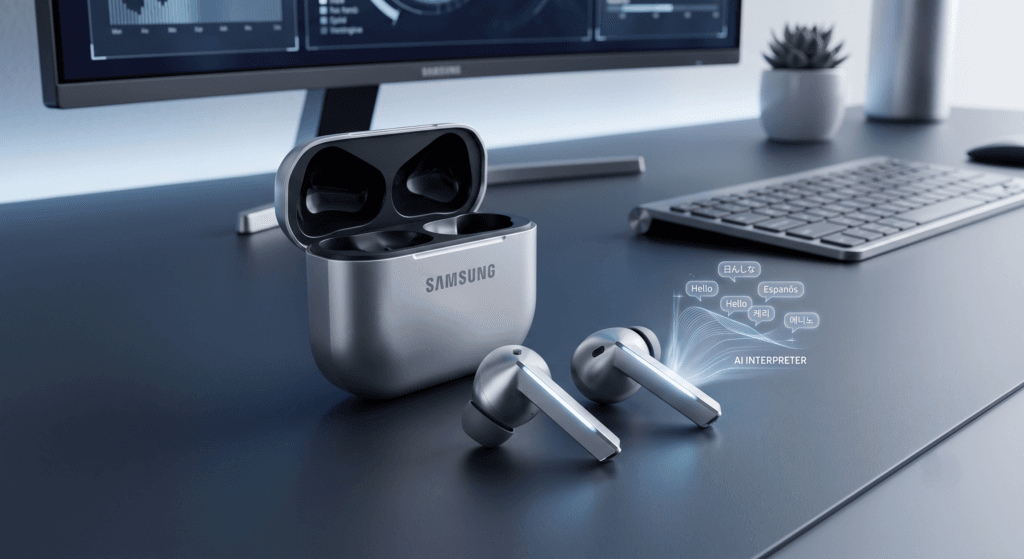
- Galaxy AI & Interpreter Mode: This is the game-changer for frequent travelers. When paired with a compatible Galaxy smartphone, the Buds 3 Pro can provide real-time translation directly into your ears. Imagine standing in a foreign transit station and hearing the announcements translated instantly.
- High-Fidelity Audio: Equipped with dual dynamic drivers (a planar tweeter and a dynamic driver for bass), they deliver a remarkably wide soundstage. The bass is punchy without muddying the mids, making them perfect for everything from bass-heavy workout playlists to complex acoustic podcasts.
Comparison Guide: Galaxy Buds 3 Pro vs. AirPods Pro 2
If you’re in the market for premium earbuds, you are inevitably comparing these to Apple’s flagship. Here is how they stack up:
| Feature | Samsung Galaxy Buds 3 Pro | Apple AirPods Pro 2 |
|---|---|---|
| Design | Angular stem with custom “Blade Lights” | Iconic rounded stem |
| Ecosystem Integration | Flawless with Android/Galaxy (AI Interpreter) | Flawless with iOS |
| Audio Customization | Deep manual EQ via Wearable App | Adaptive EQ (Less manual control) |
| Hi-Res Audio | 24-bit/96kHz (with Samsung devices) | Standard Bluetooth codecs |
The Verdict: If you are inside the Apple ecosystem, the AirPods remain the default choice. However, if you use an Android device—especially a Samsung Galaxy—the Buds 3 Pro outclass the competition in high-res audio capability and sheer technological features (like the AI Interpreter).

How to Optimize Your Galaxy Buds 3 Pro for the Best Sound
Don’t just take them out of the box and press play. To truly get your money’s worth, follow these three steps to optimize your audio experience:
- Run the Earbud Fit Test: Open the Galaxy Wearable app and run the fit test. A proper seal is the single most important factor for deep bass and effective noise cancellation. Don’t be afraid to use a different sized tip for your left and right ear.
- Customize the EQ: While the “Dynamic” preset is excellent out of the box, use the custom 9-band equalizer in the app. If you listen to a lot of podcasts, bump up the mids for vocal clarity. For workouts, slightly elevate the lower frequencies.
- Enable Voice Detect: Go into the noise control settings and turn on Voice Detect. This incredibly useful feature automatically lowers your media volume and switches from ANC to Ambient mode the second you start speaking, allowing you to order a coffee without touching your earbuds.
Final Thoughts
The Samsung Galaxy Buds 3 Pro represent a massive leap forward for Android audio. They aren’t just a listening device; they are a wearable tech hub featuring real-time translation, adaptive noise canceling, and studio-grade sound reproduction.