Disclaimer: This post contains affiliate links(included). If you make a purchase through these links, I may earn a small commission at no extra cost to you.
How to Achieve 360° Home Security with the Aosu SolarCam (Deep-Dive Review)
Securing your home shouldn’t mean climbing up ladders every few weeks to change camera batteries or paying hefty monthly fees to access your own video footage. If you are a homeowner looking for a reliable, “set-it-and-forget-it” surveillance system, solar-powered security is the modern gold standard.
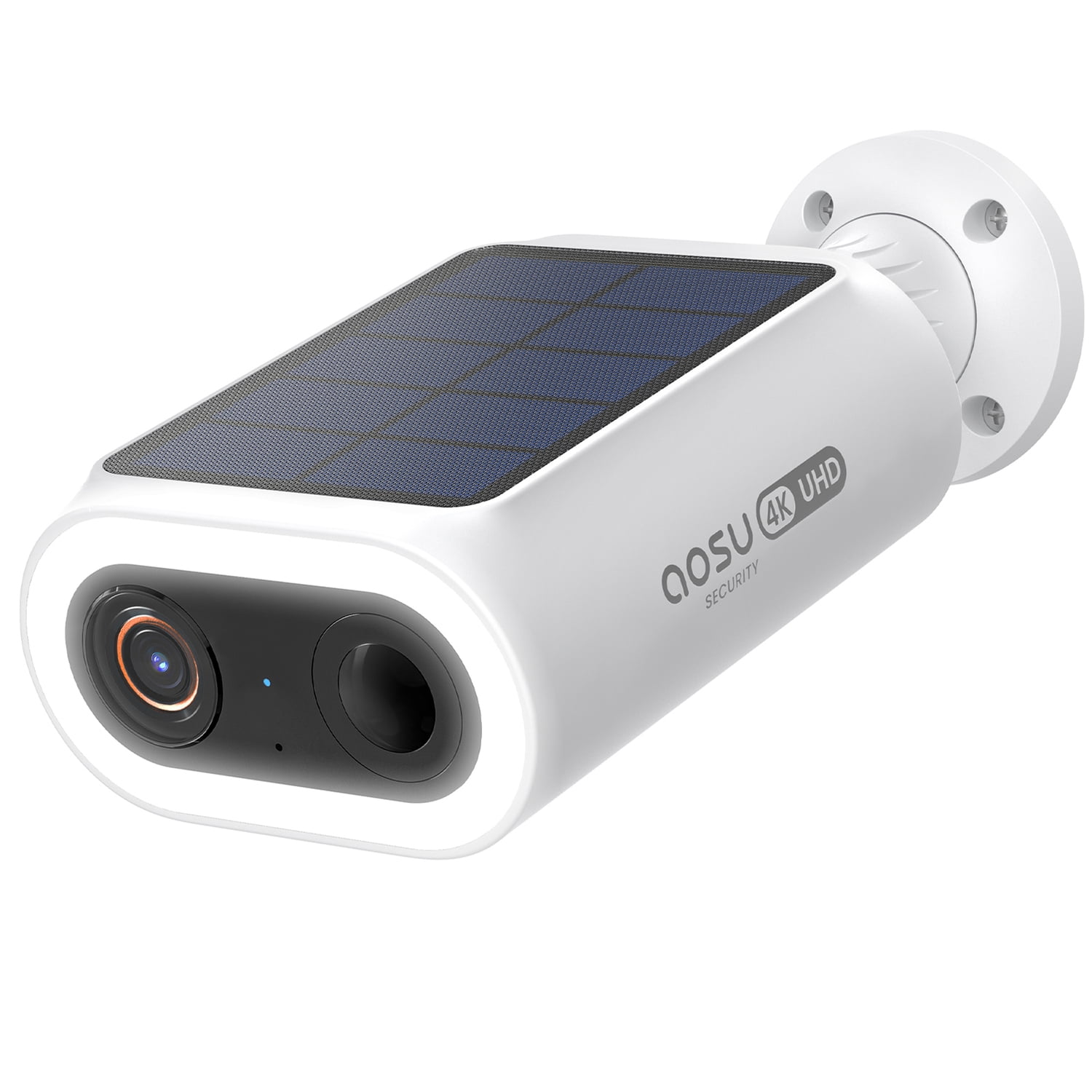
In this guide, we are taking a deep dive into the Aosu SolarCam Kit. We will break down exactly how it works, compare it to traditional security setups, and walk you through how to set it up for maximum coverage.
Why the Aosu SolarCam Stands Out in 2026
The security camera market is flooded with options, but the Aosu SolarCam solves two massive pain points for USA homeowners: battery anxiety and subscription fatigue.
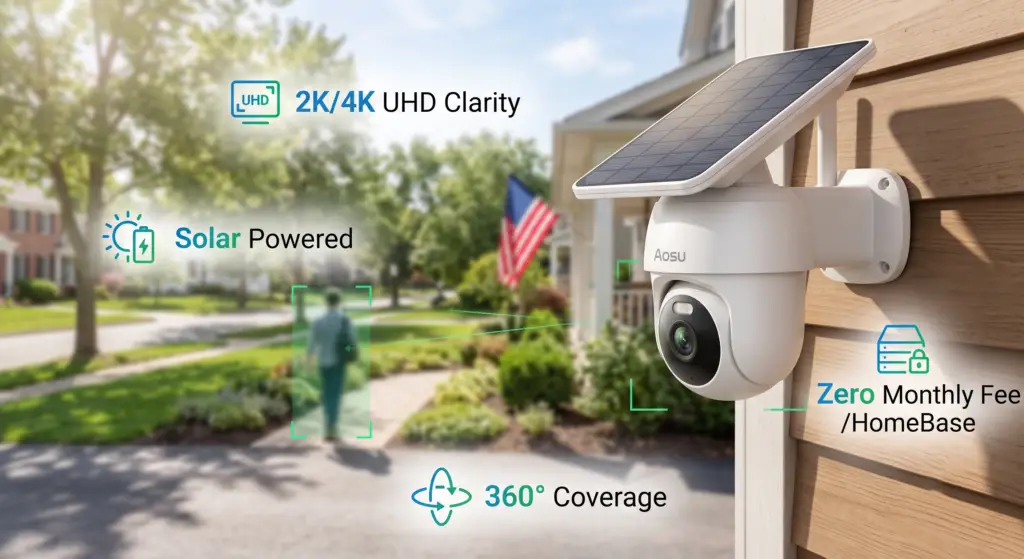
- Zero Monthly Fees: Unlike competitors that lock your footage behind a paywall, the Aosu system comes with a HomeBase that includes up to 32GB of local, encrypted storage. You get months of loop recording at absolutely no hidden cost.
- Perpetual Solar Power: Equipped with highly efficient built-in or attachable solar panels, the camera requires just a few hours of direct sunlight daily to operate 365 days a year.
- Ultra HD Clarity & Color Night Vision: Capturing events in stunning 2K to 4K resolution (depending on the specific model tier), and backed by ultra-bright LED spotlights, this camera turns night into day.
- AI Cross-Camera Tracking: If you have a multi-camera setup, Aosu’s AI automatically stitches together footage of a person walking across different camera zones, giving you one seamless video timeline of the event.
Comparison Guide: Aosu SolarCam vs. Traditional Wired Cameras
Is making the jump to a wireless solar setup worth it? Here is how the Aosu SolarCam stacks up against traditional wired security systems.
| Feature | Aosu SolarCam | Traditional Wired Camera |
|---|---|---|
| Installation | 100% Wire-free. DIY friendly (5 minutes) | Requires drilling through walls and routing cables |
| Power Outages | Stays online (battery backup + solar) | Goes offline instantly |
| Storage Fees | $0. Included HomeBase local storage | Often requires $5-$15/month cloud plans |
| Placement Flexibility | Anywhere the sun hits (fences, trees, sheds) | Restricted to the side of the house near outlets |

How-To Guide: Setting Up Your Aosu SolarCam for Optimal Security
One of the best selling points of the Aosu system is the hassle-free DIY installation. Follow these simple steps to ensure maximum coverage and power efficiency:
- Pair Before You Mount: Plug the HomeBase into your router. Download the Aosu app on your smartphone, and sync your cameras to the HomeBase while inside your house. It’s much easier to troubleshoot Wi-Fi connections at your kitchen table than on a ladder.
- Find the Sun: Choose mounting locations that get at least 2 to 3 hours of direct sunlight per day. South-facing walls are usually the best option for US homes to catch the sun year-round.
- Mind the Height and Angle: Mount the camera 7 to 9 feet off the ground, angled slightly downward. This height keeps the camera out of reach of vandals while providing the optimal angle for the PIR (Passive Infrared) motion sensor to detect human movement.
- Set Up Custom Zones: Open the Aosu app and map out your “Activity Zones.” You can tell the camera to ignore the busy street in the background and only alert you if someone steps onto your driveway or lawn. This drastically reduces false alarms and saves battery life.
Final Verdict
If you want top-tier security features like human auto-tracking, color night vision, and centralized storage without the recurring monthly fees, the Aosu SolarCam system is an incredible investment for your property. It provides the peace of mind of a high-end wired system with the unbeatable convenience of wireless, solar technology.